Skip to content

Setup

Three quick decisions and your menu is ready. Choose how you handle orders, how you take payment, and the QR signage for your tables. Nothing to install, no hardware to buy.

See the options
Decision 1

How do you want to handle orders?

Every venue runs differently. Pick what fits yours - you can change it any time.

Just a menu, no KDS

A beautiful digital menu with no kitchen display. Guests browse and order; you read the orders however you like.

Print receipts

Connect a compatible receipt printer and we print every new order from the app the moment it lands.

iPad order board

Connect any iPad for a live board view of your online orders: new, preparing, ready.

Decision 2

How do you want to take payment?

Keep it a view-only menu, or let guests pay right from their phone.

View menu only, pay the bill

No payment in the app. Guests browse the menu and order, then settle the bill with you the usual way - at the table or the till.

Pay by card in the app

Guests pay by card straight from their phone, before or after the meal. We help you create or connect a Stripe account and wire it all up for you.

Decision 3

Pick your QR signage

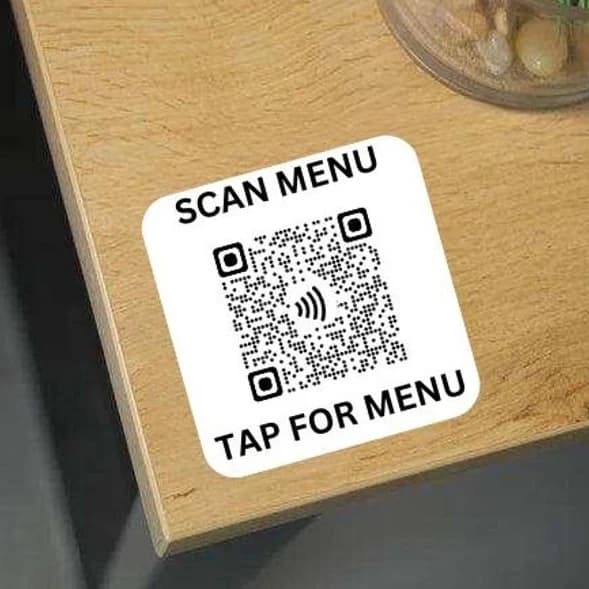
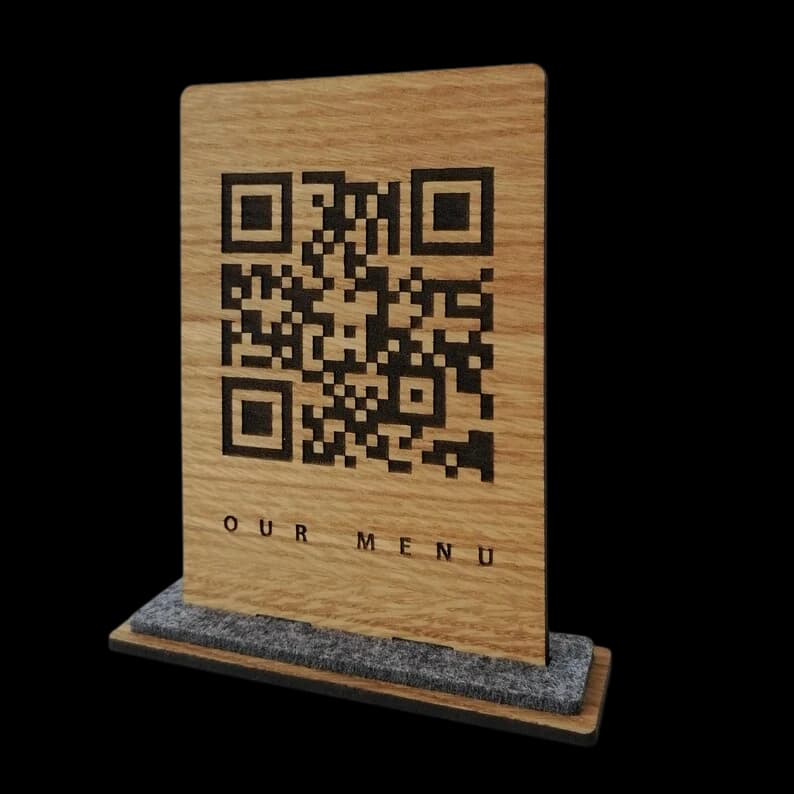
Choose how the codes live on your tables - an oak cube, a wooden stand, or a simple sticker. Tell us which and how many; we produce and deliver them.

See all QR signage
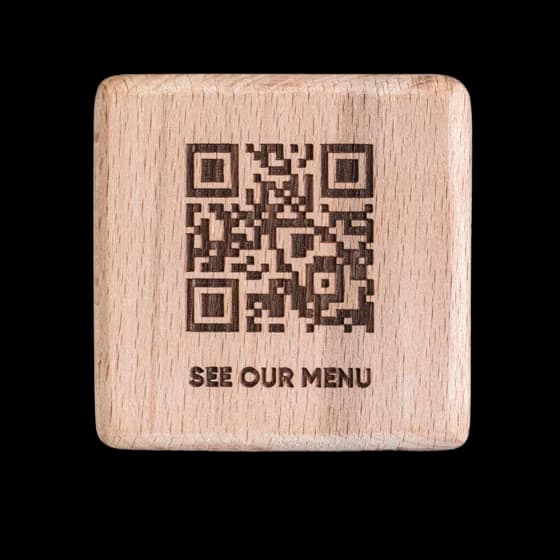
Engraved oak QR cube
Oak QR cube
Engraved wooden QR stand
Wooden QR stand
Printed QR sticker
QR sticker

Ready when you are

Tell us your three choices and we set the rest up with you.

Create your account